COROS → Health Connect → Sapiens Rank
Connect COROS on Android
What this source adds to your score:
Steps : SentSleep : SentHeart rate : Sent
- 1
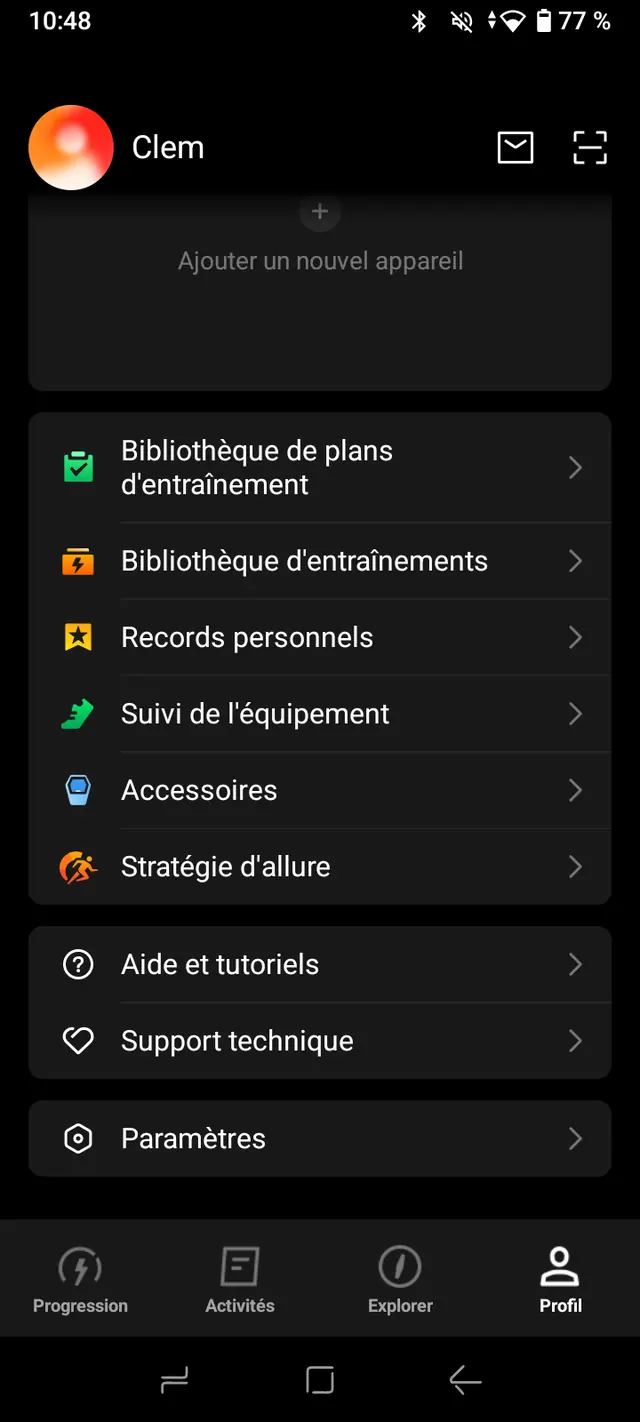
Open the COROS app, tap the Profile tab (bottom right), then Settings.
- 2
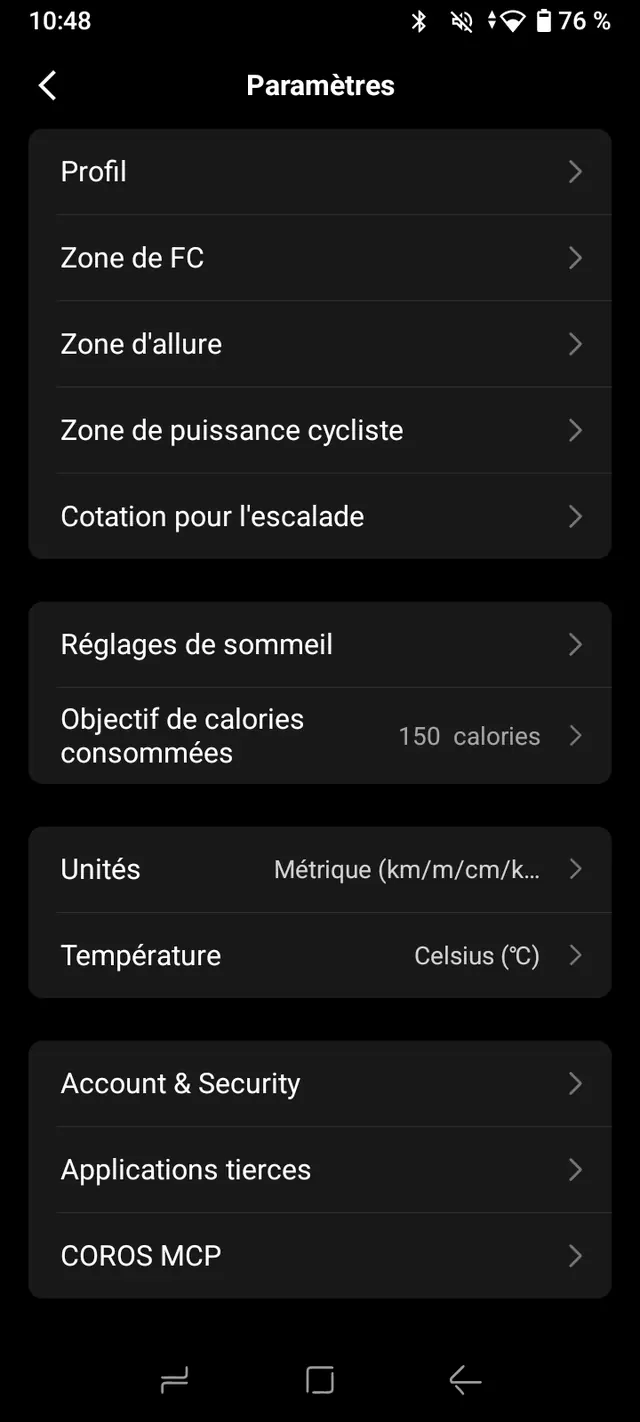
Tap Third-Party Apps.
- 3
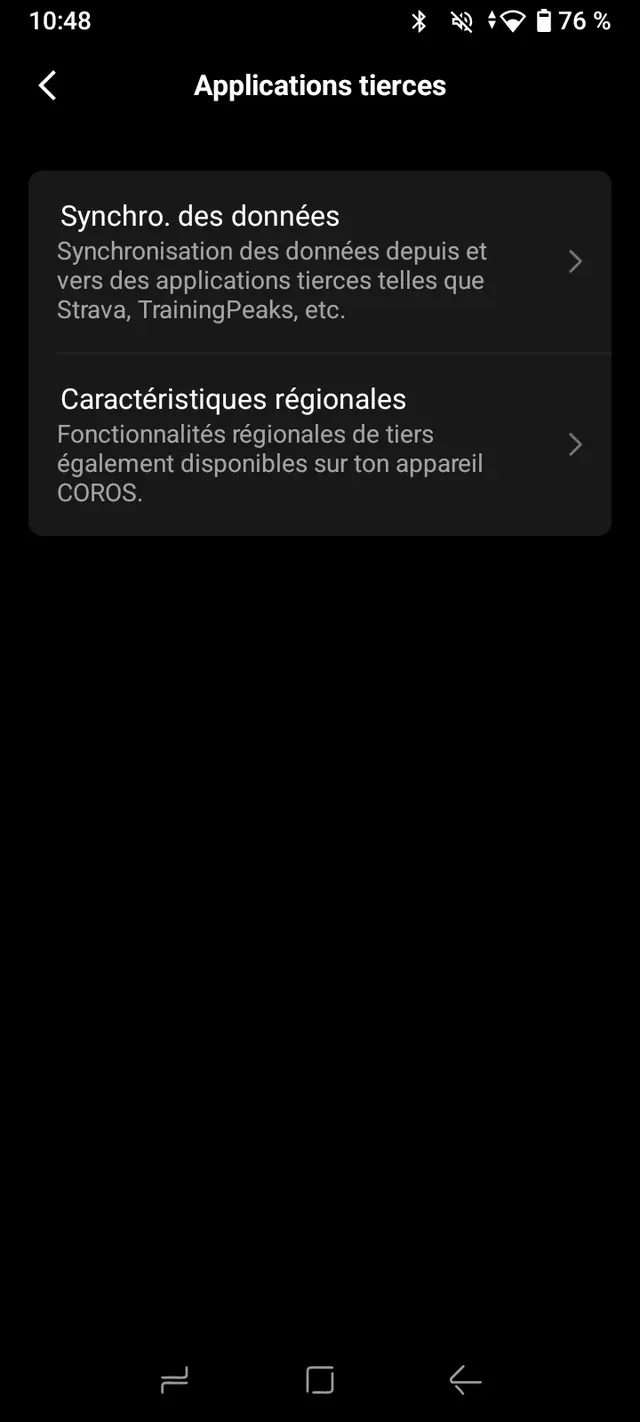
Tap Data Sync.
- 4
In the list, choose Health Connect.
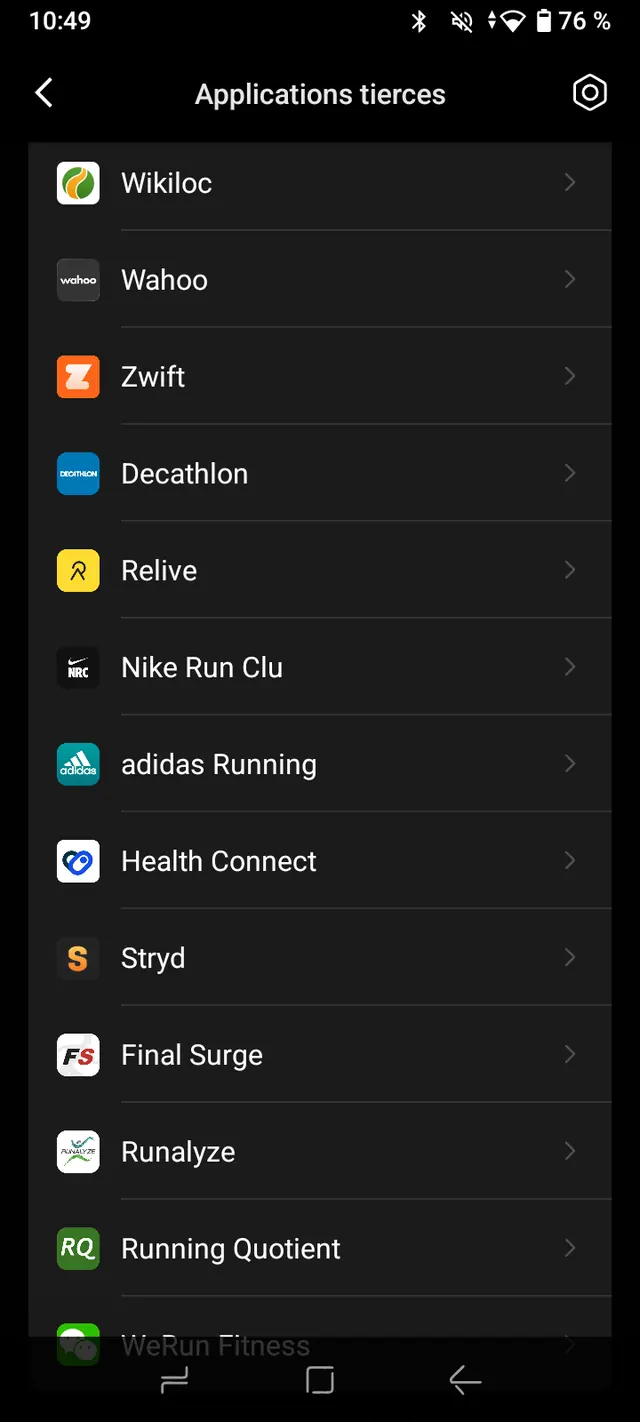
- 5
Tap Sync.
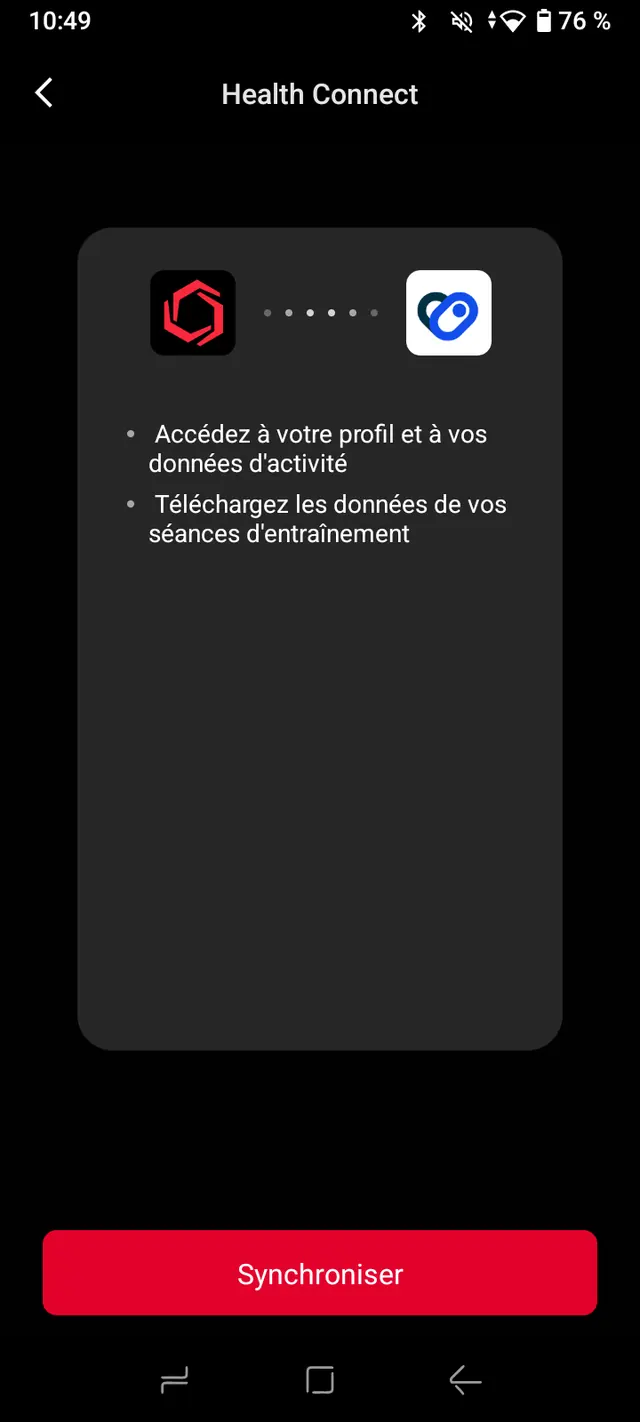
- 6
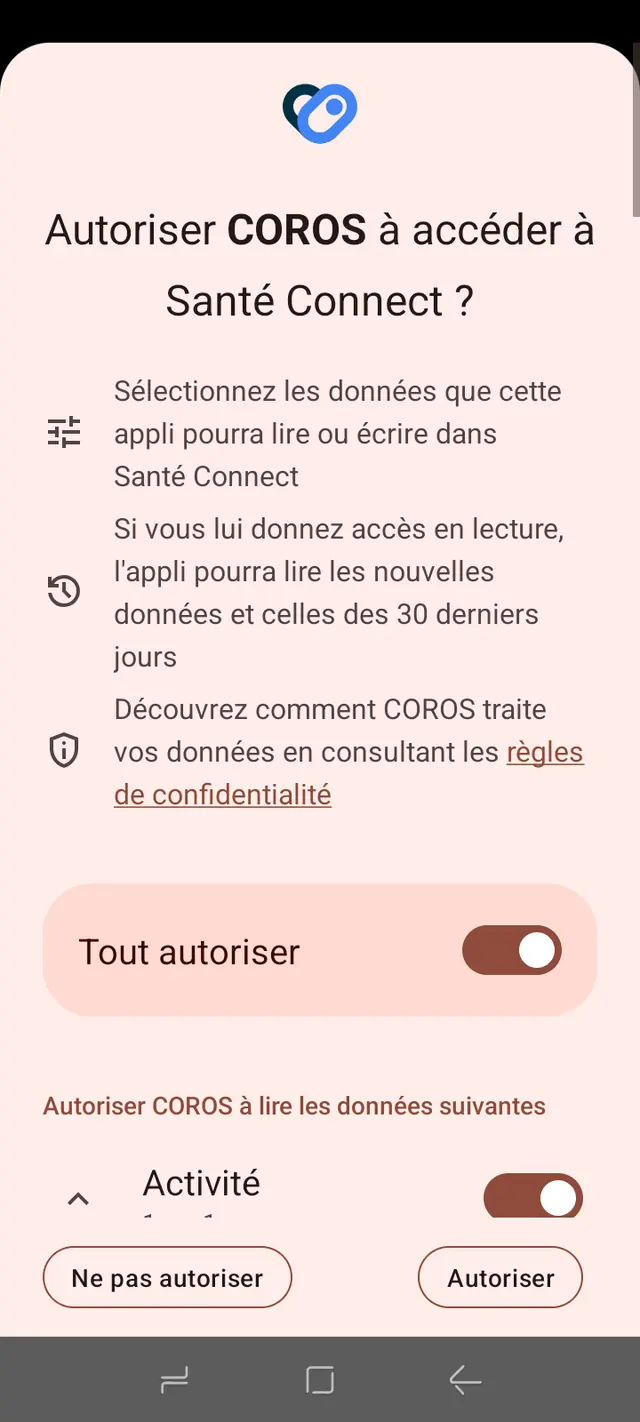
On the permission screen, turn on Allow all, then tap Allow.